M2 GPS Bike Computer
HomeStore

M2 GPS Bike Computer

M2 GPS Bike Computer

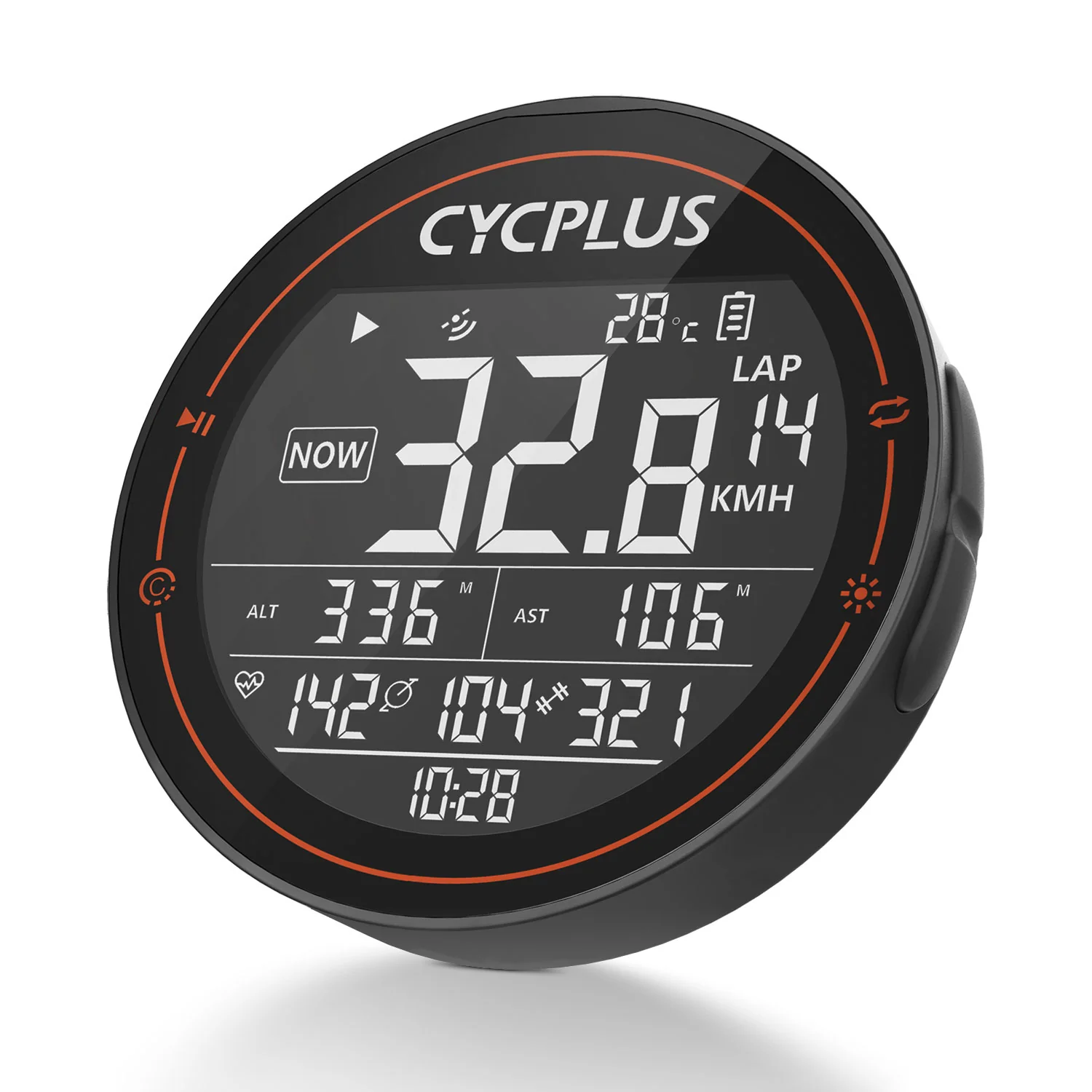
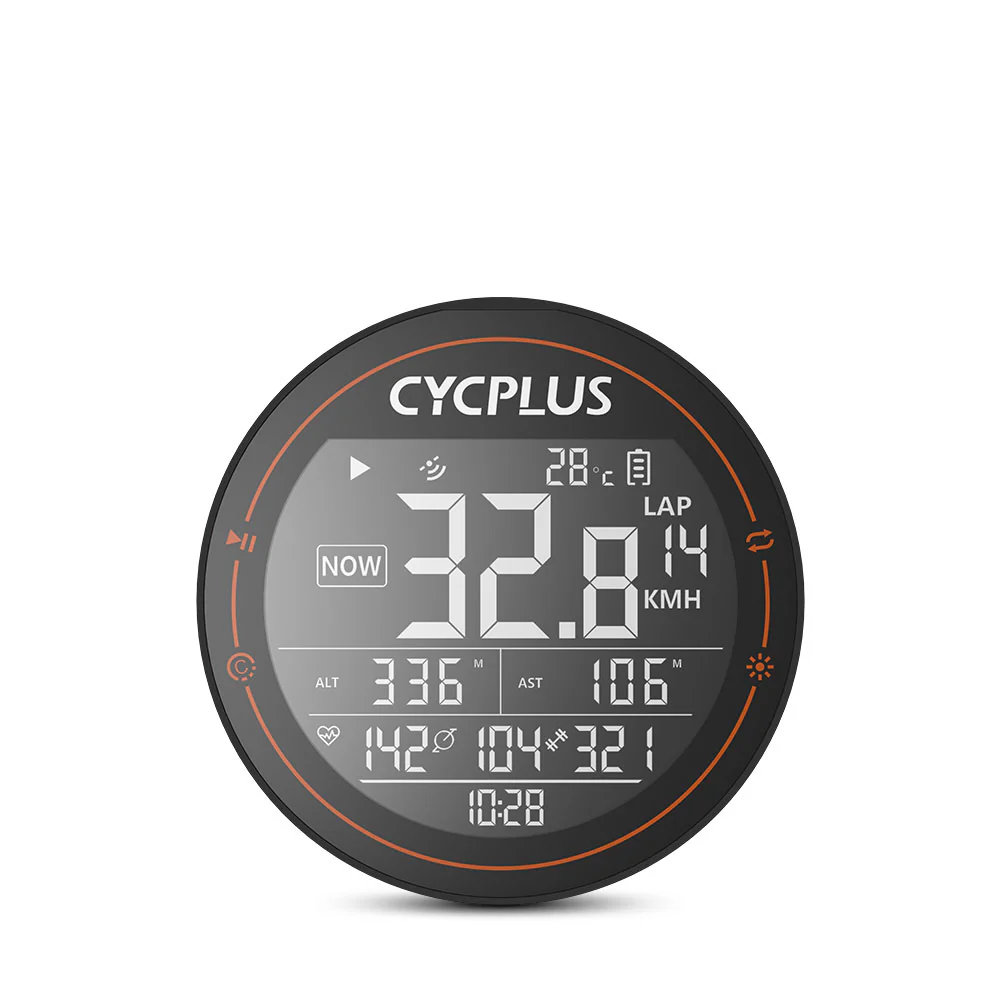
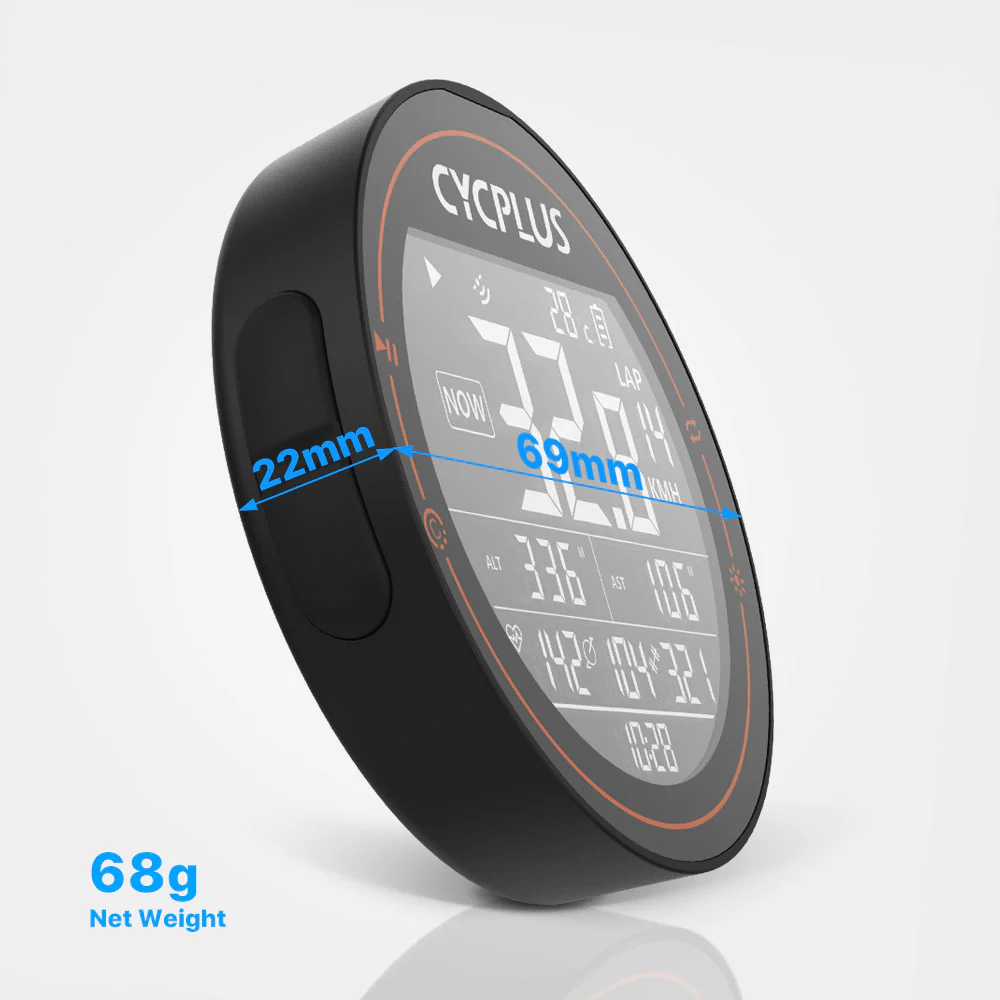
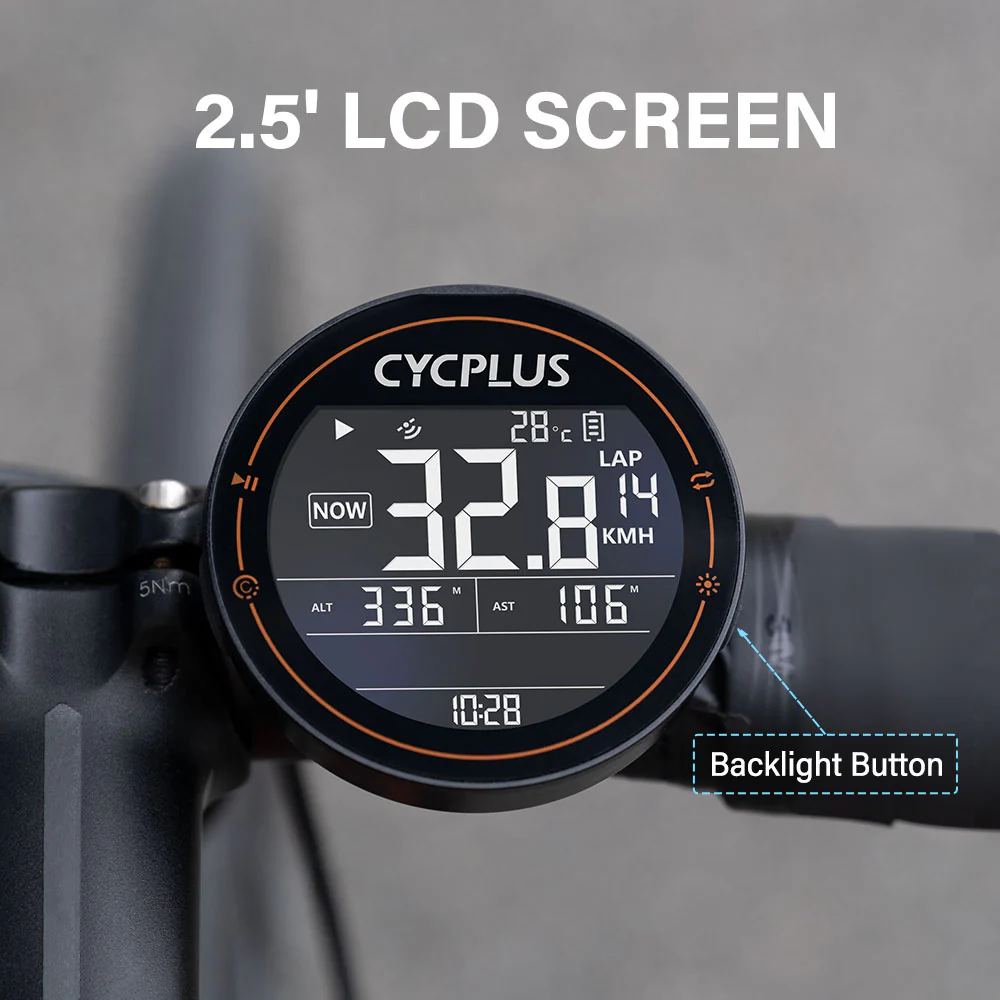
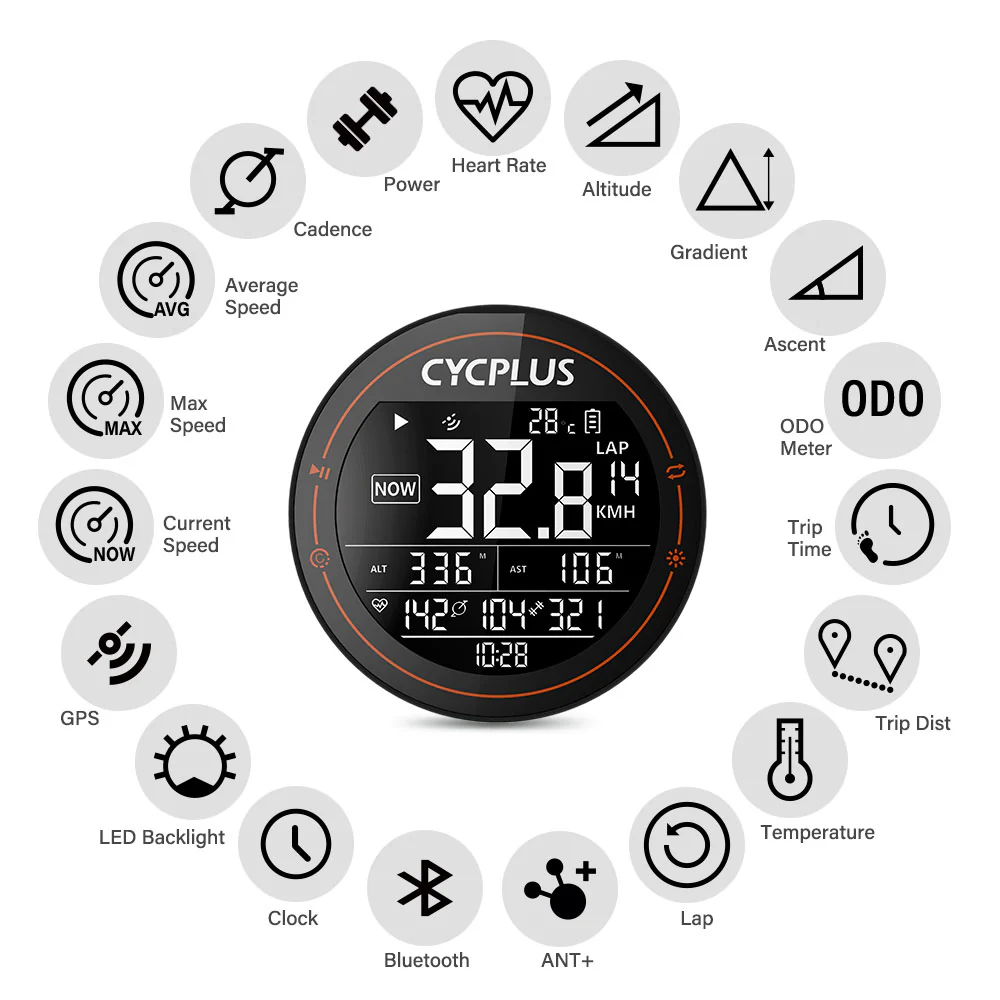
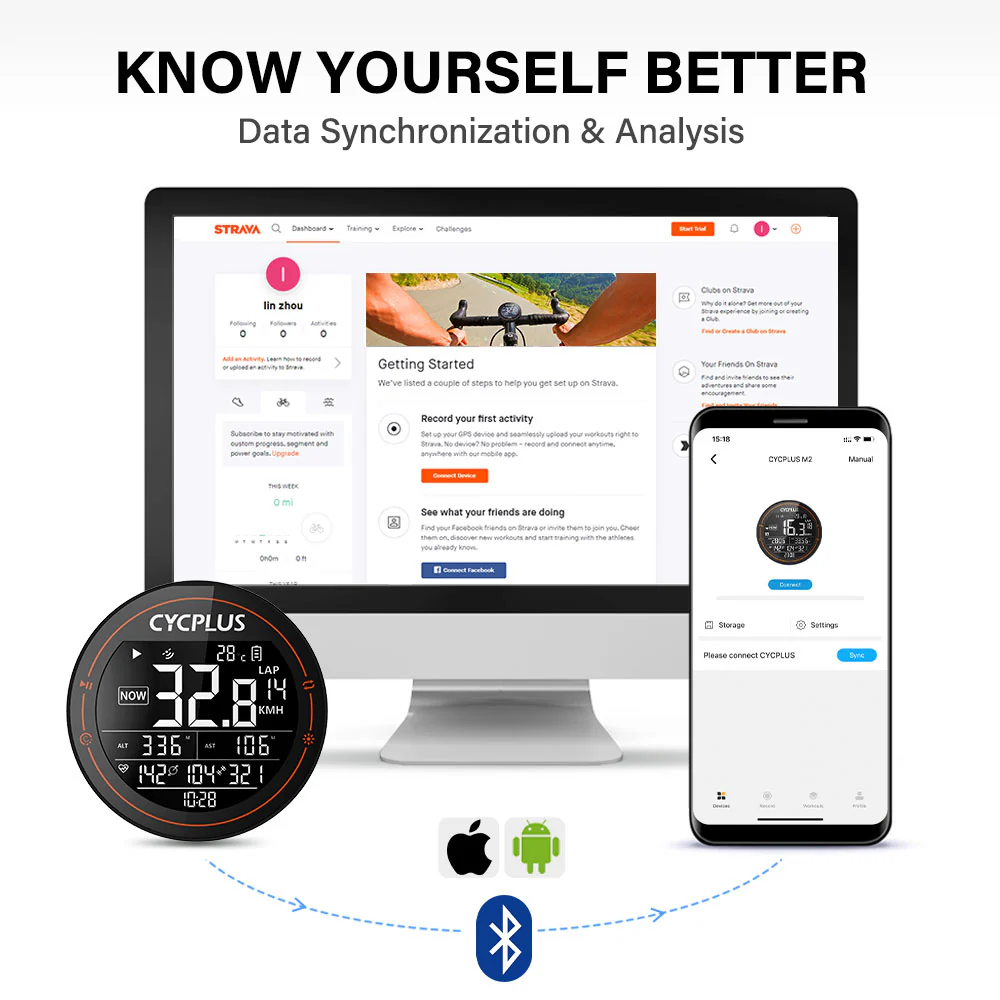
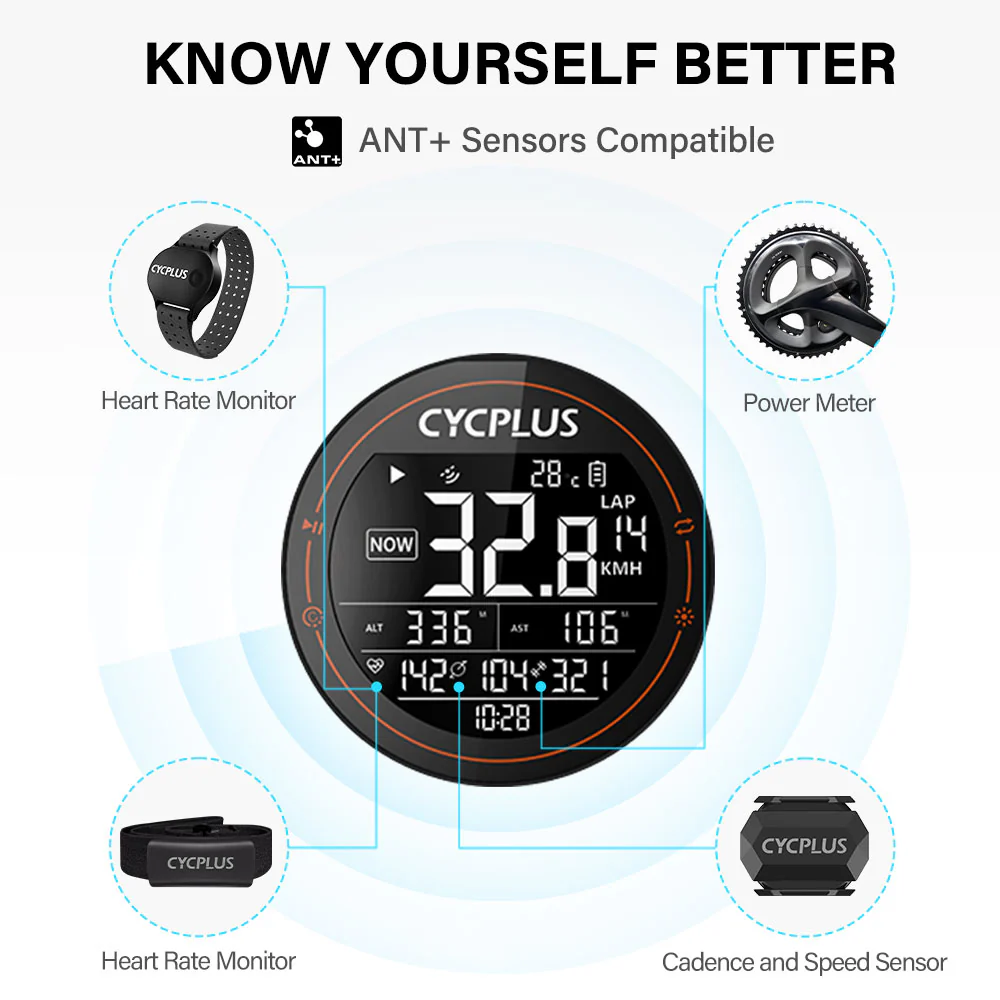
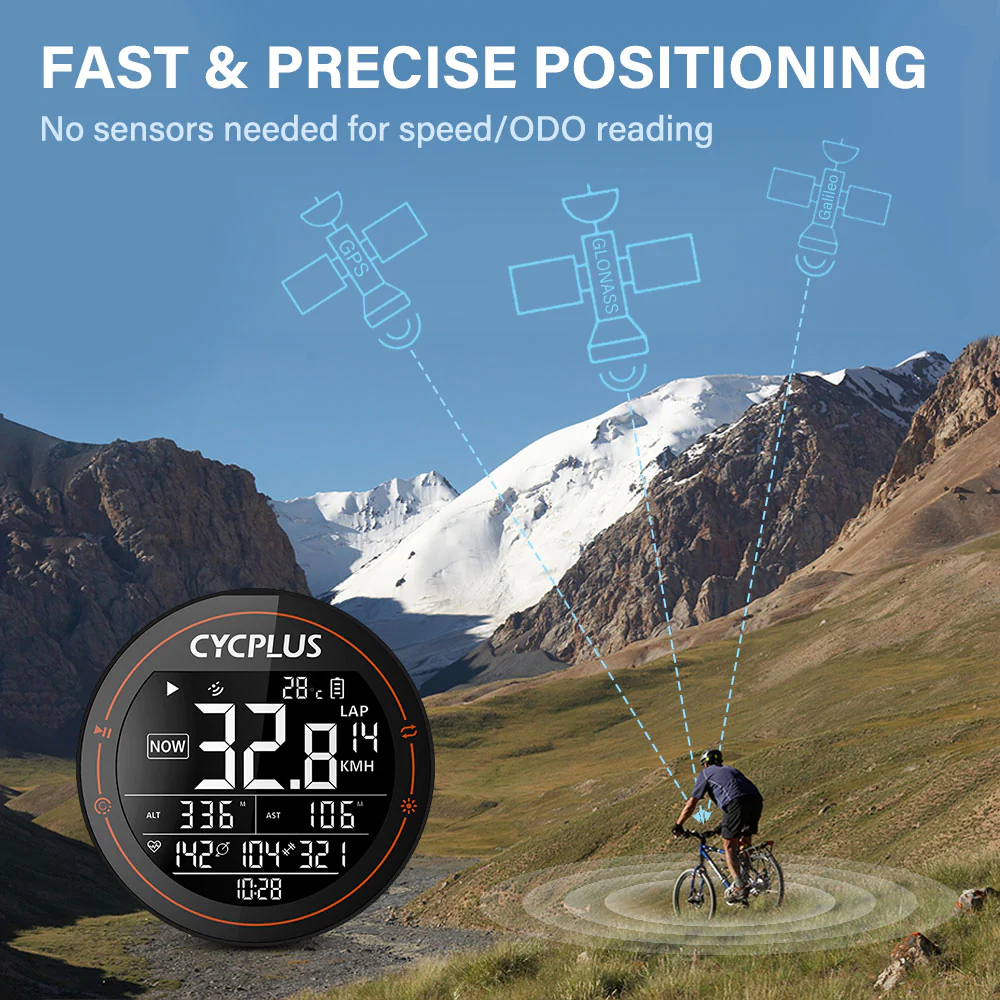
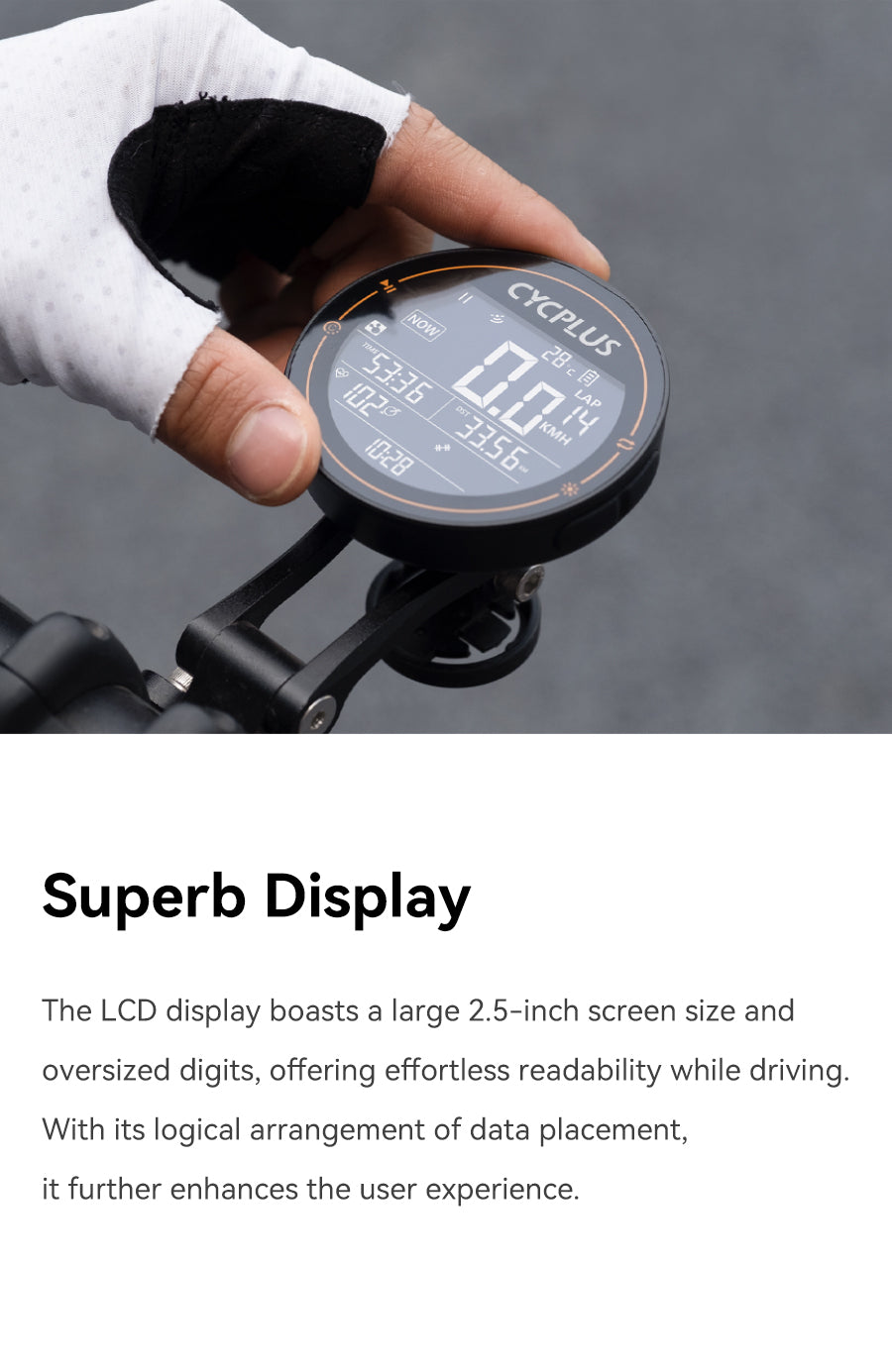
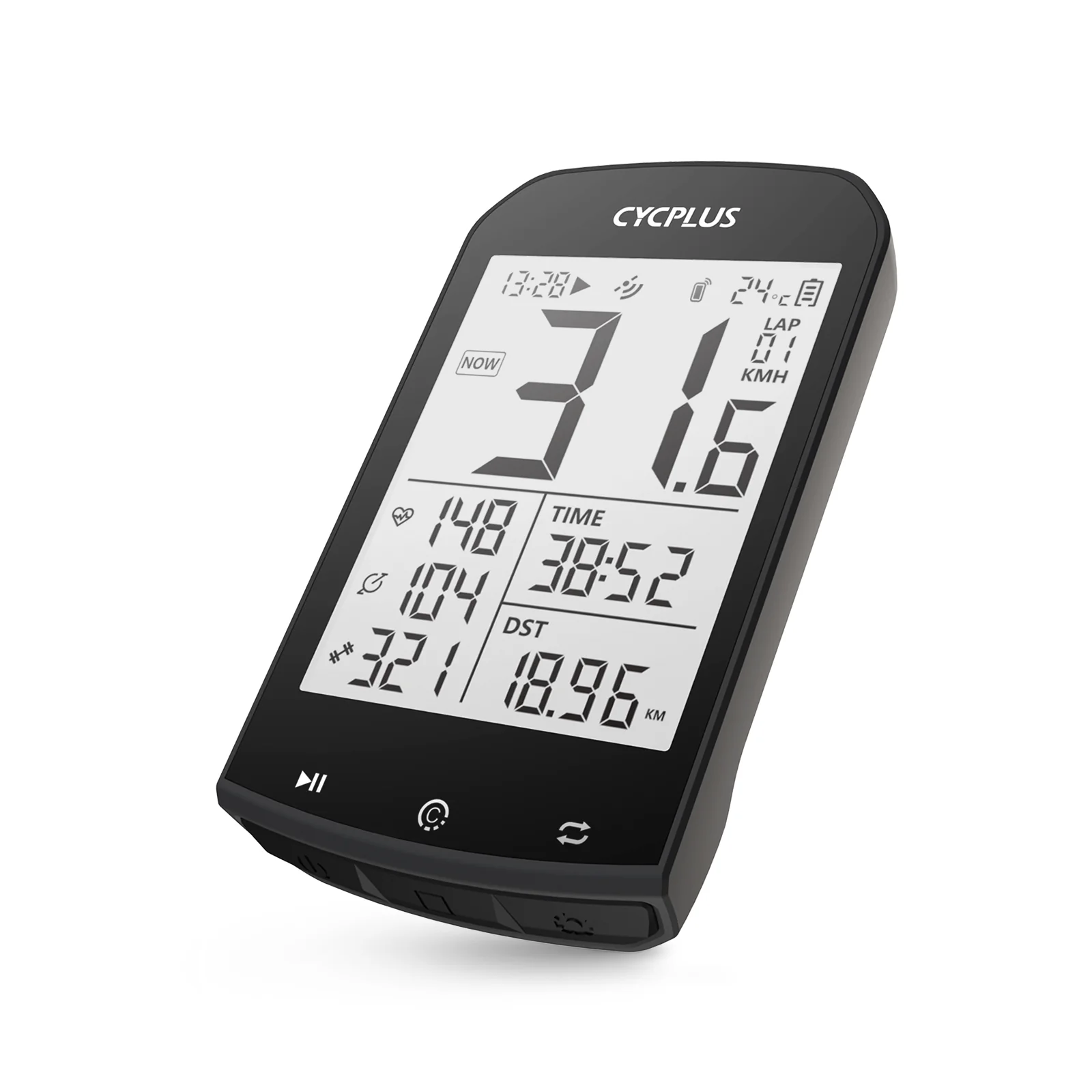
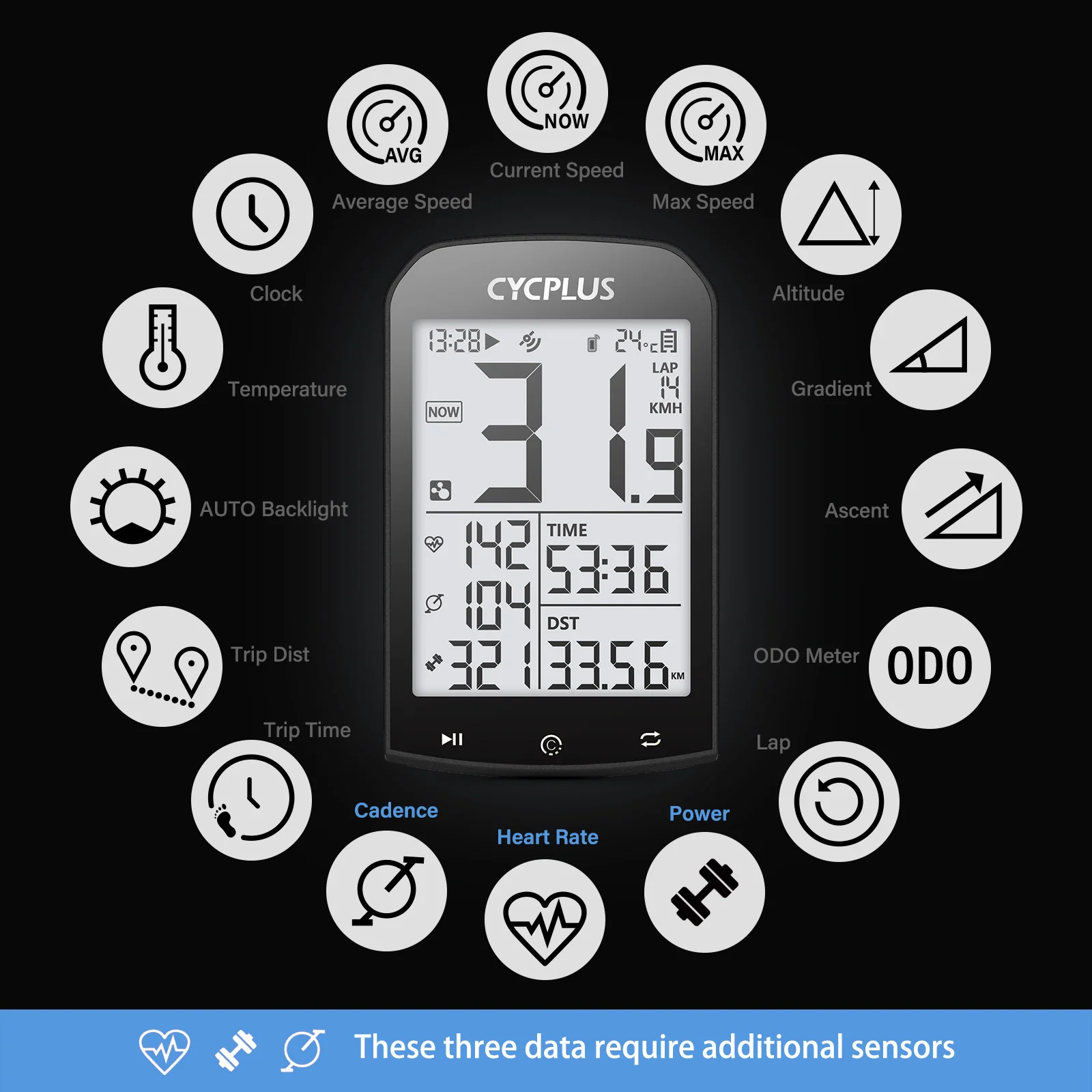
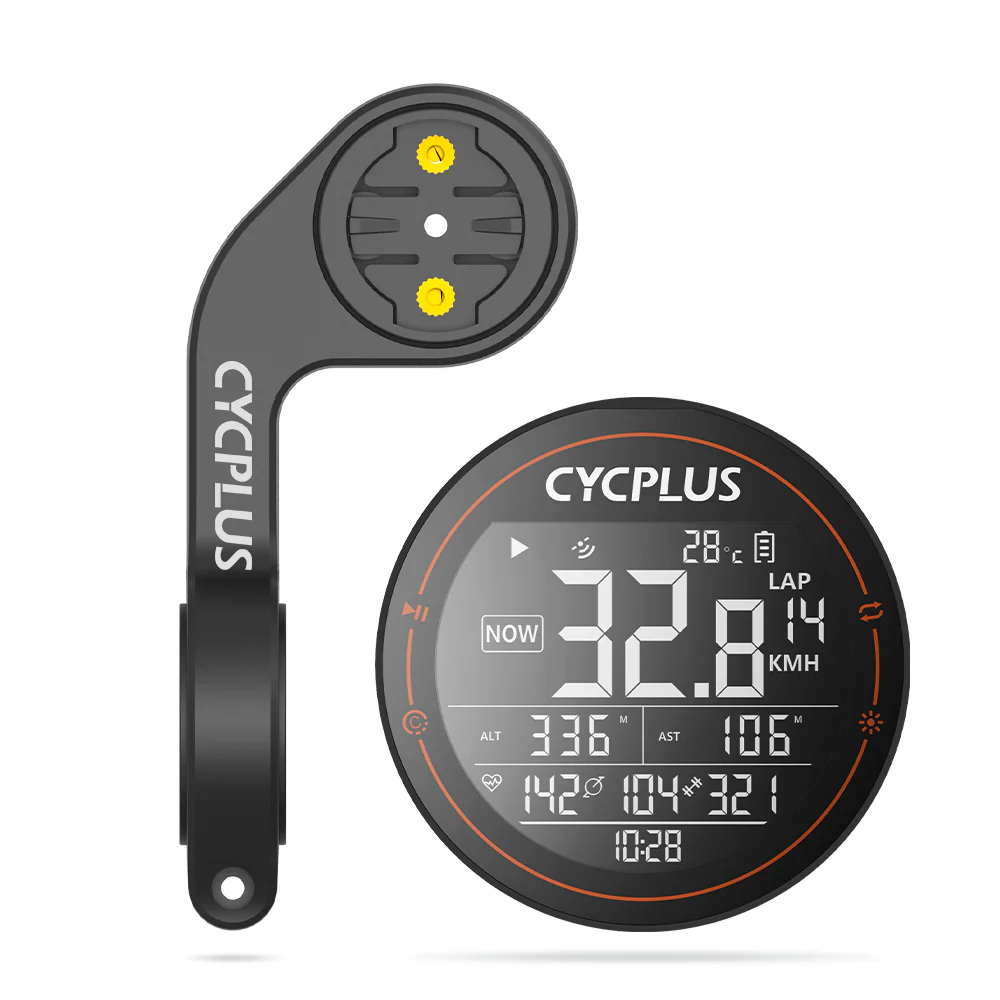
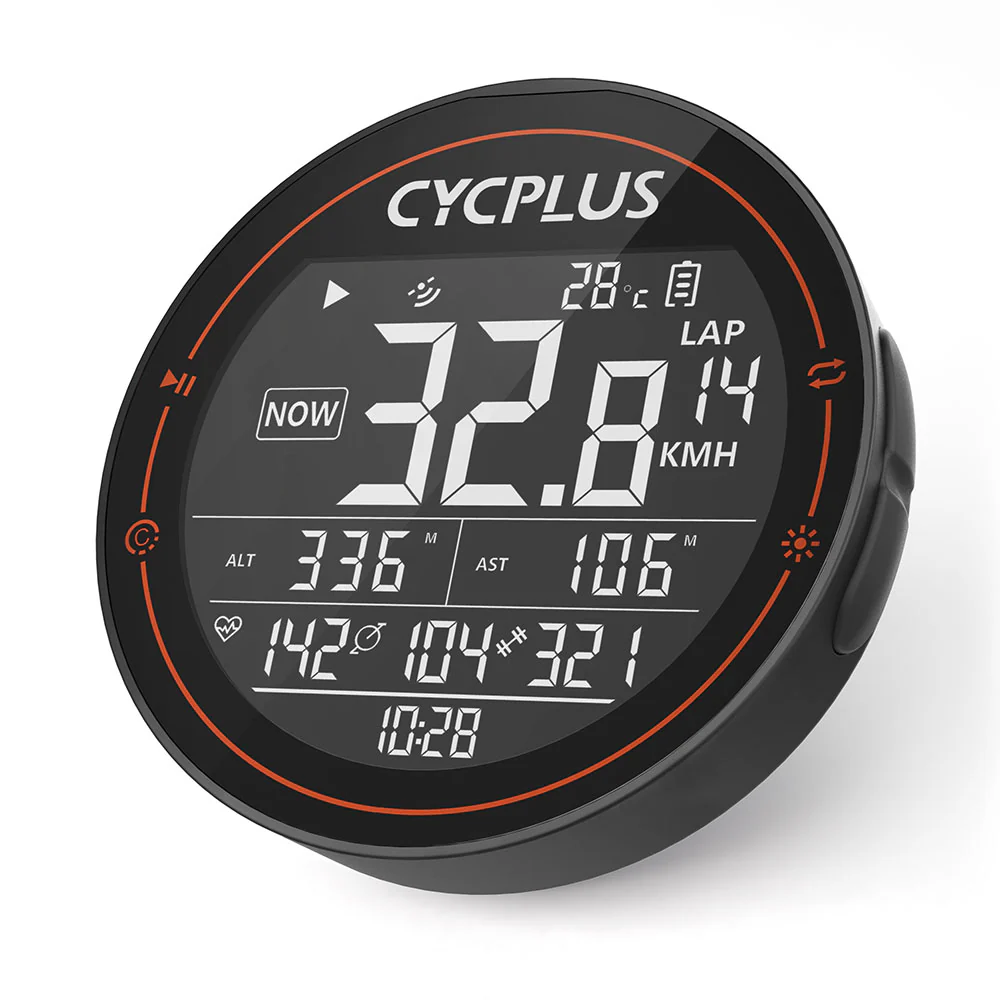
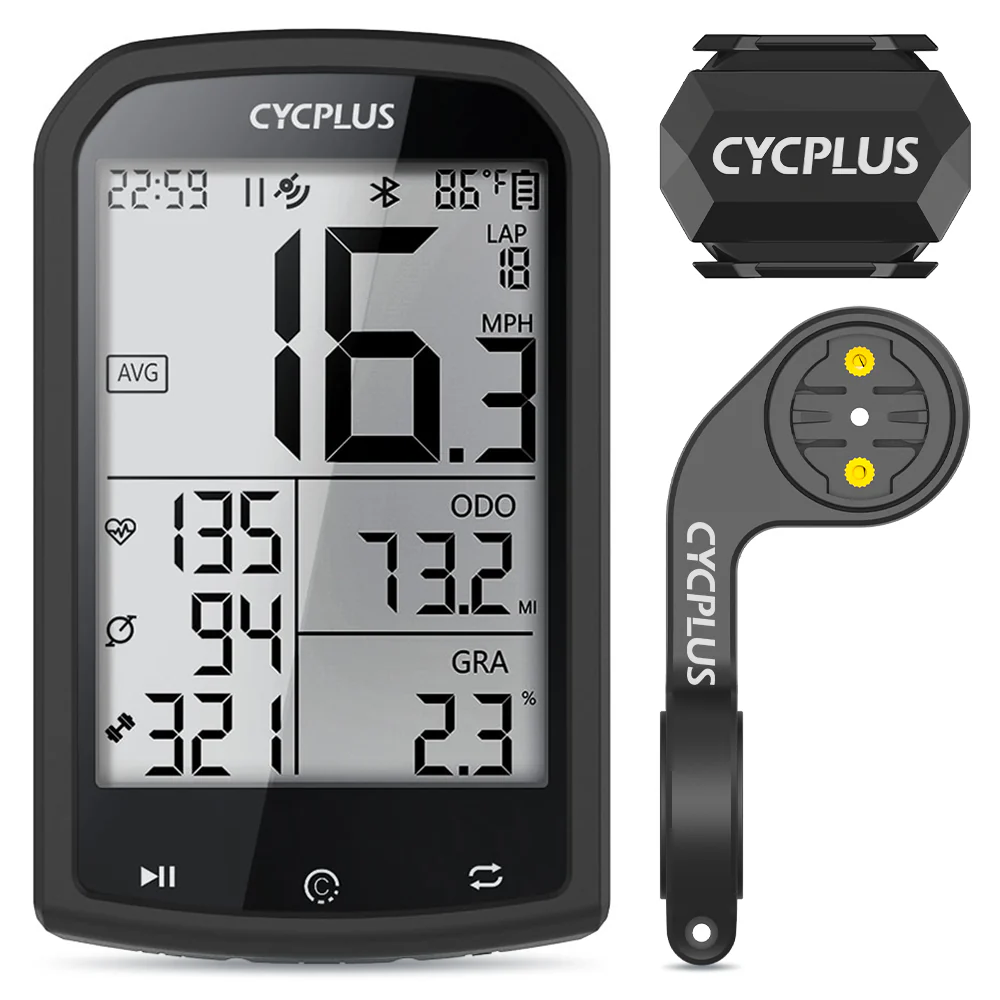
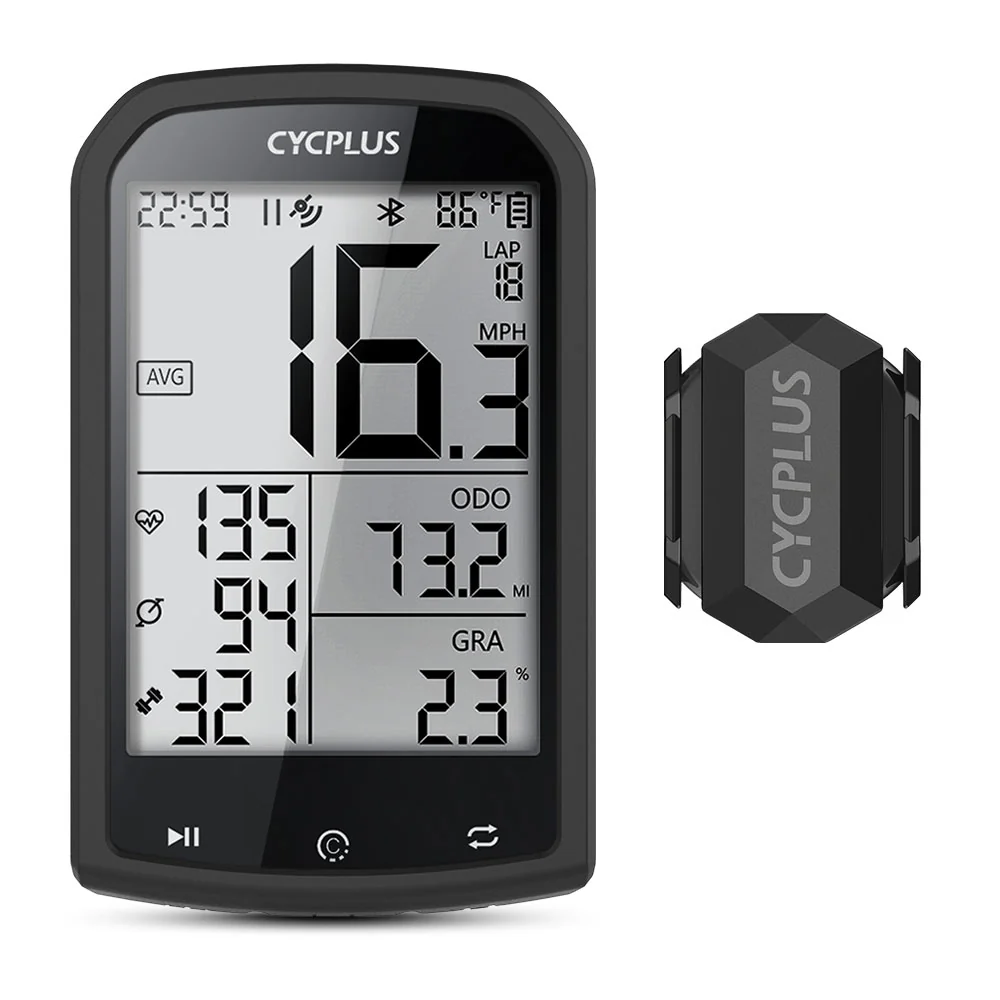
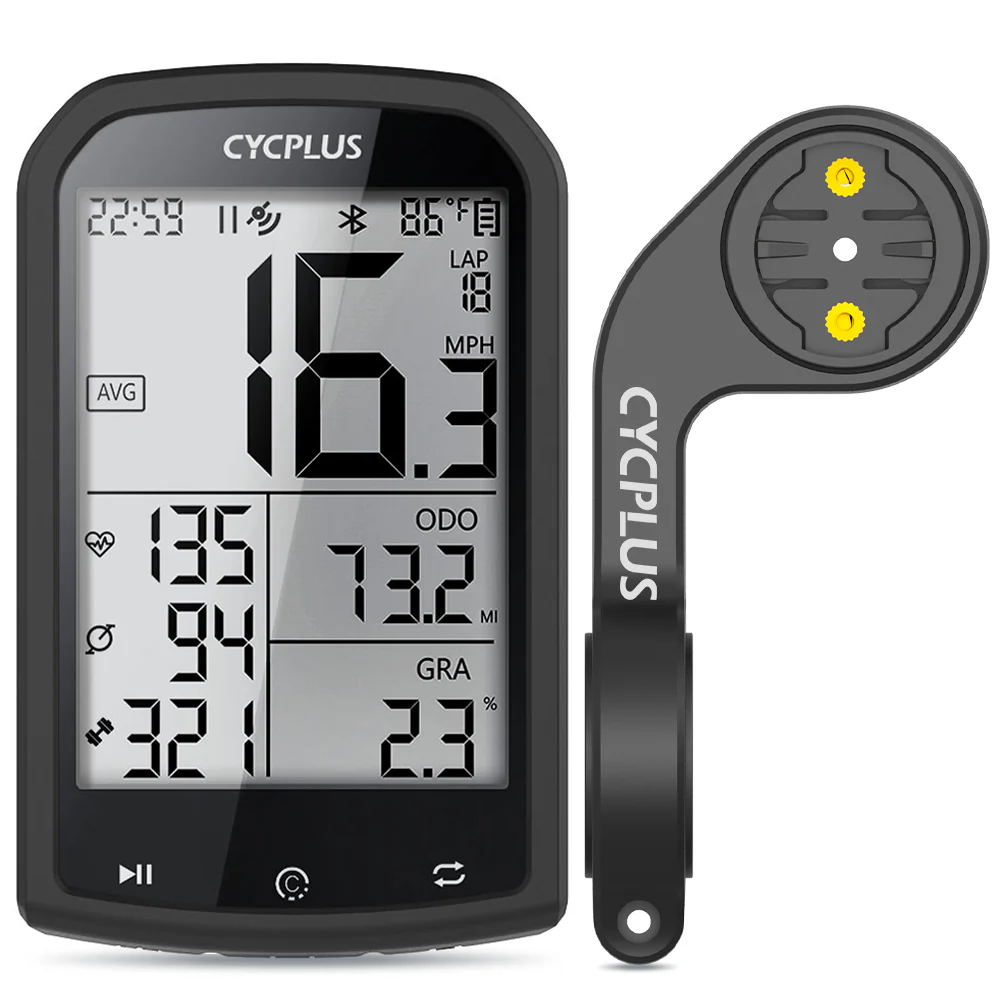
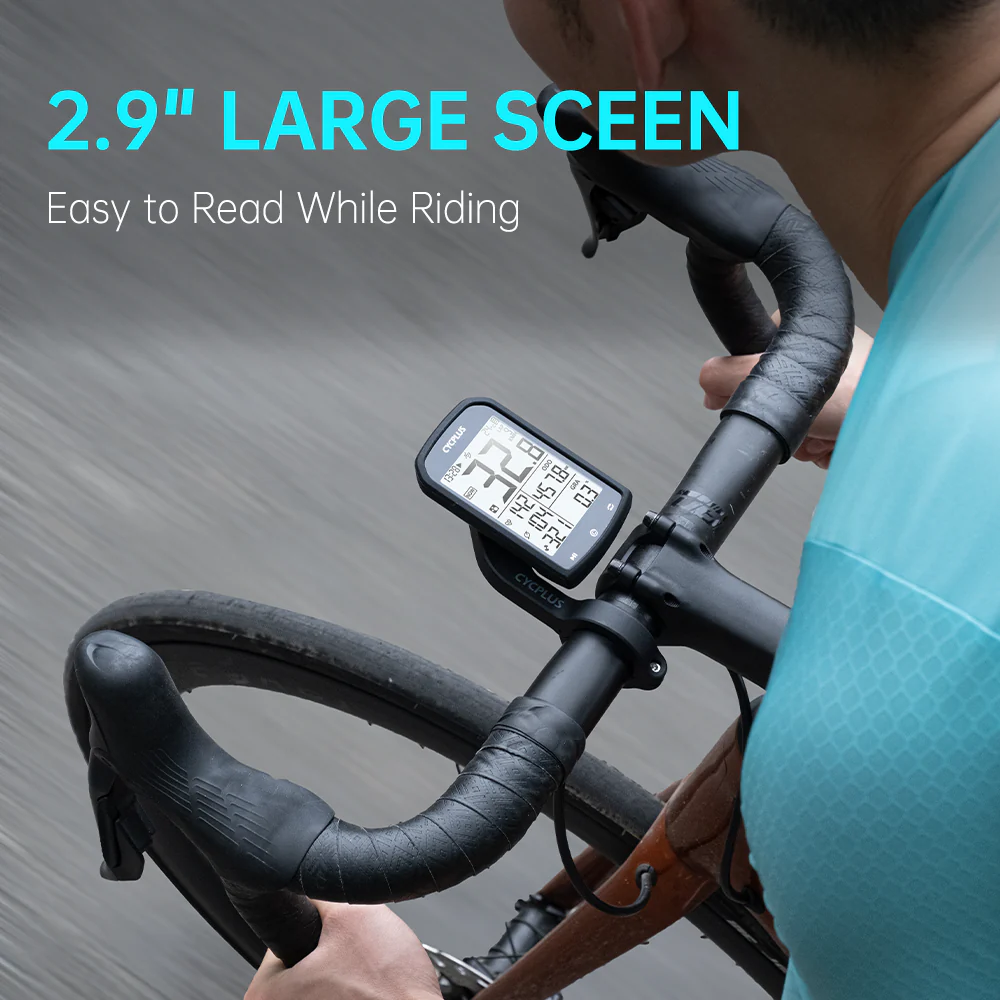
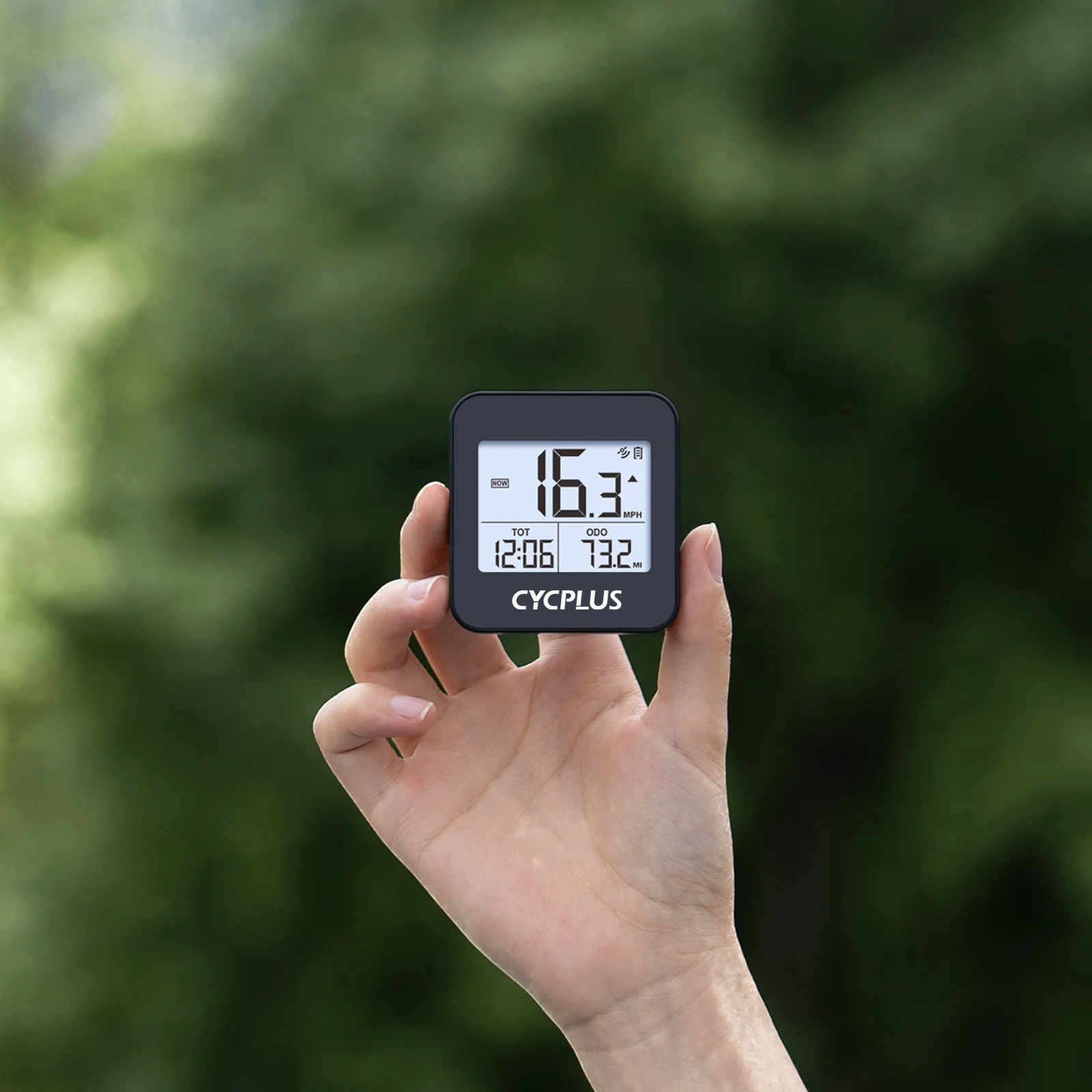
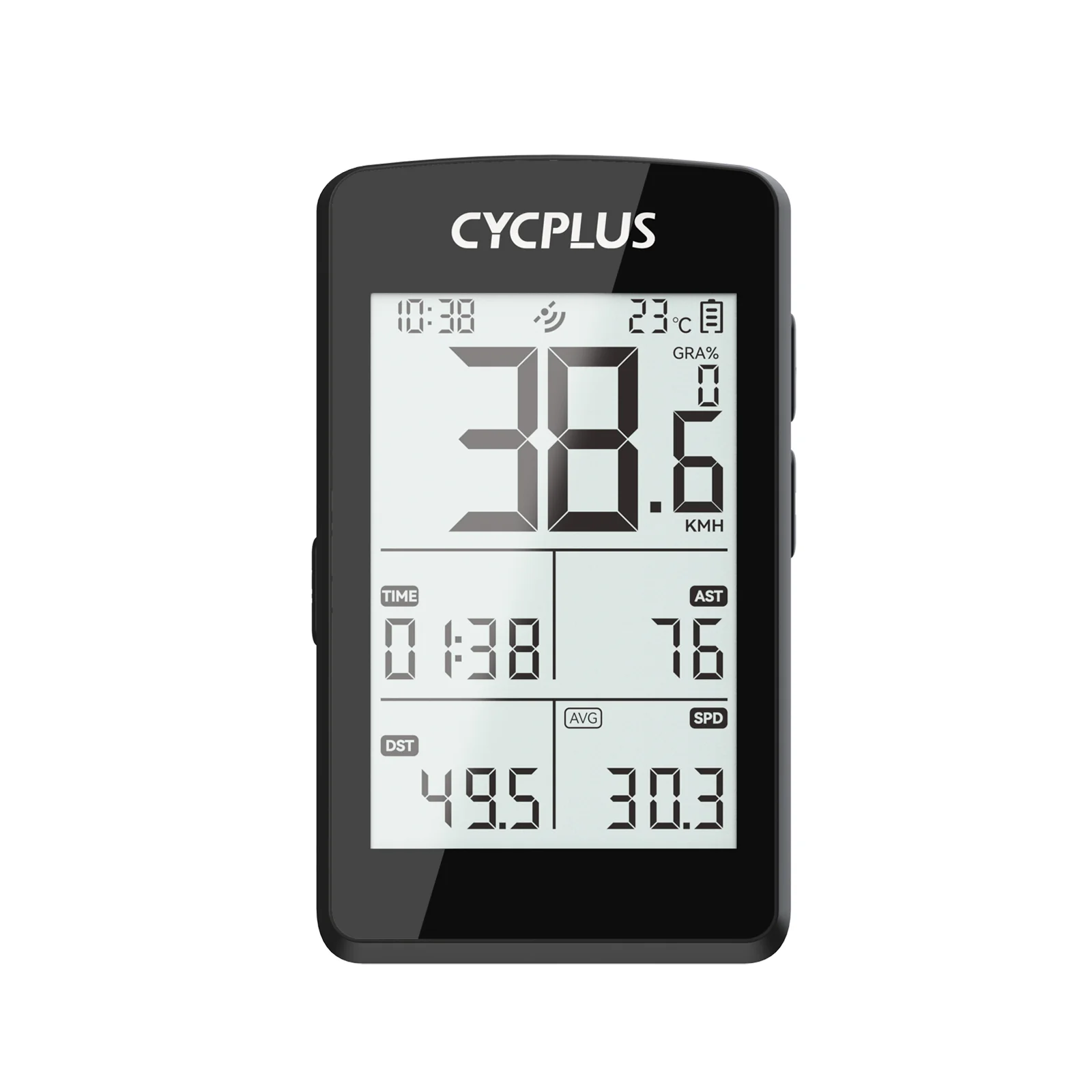
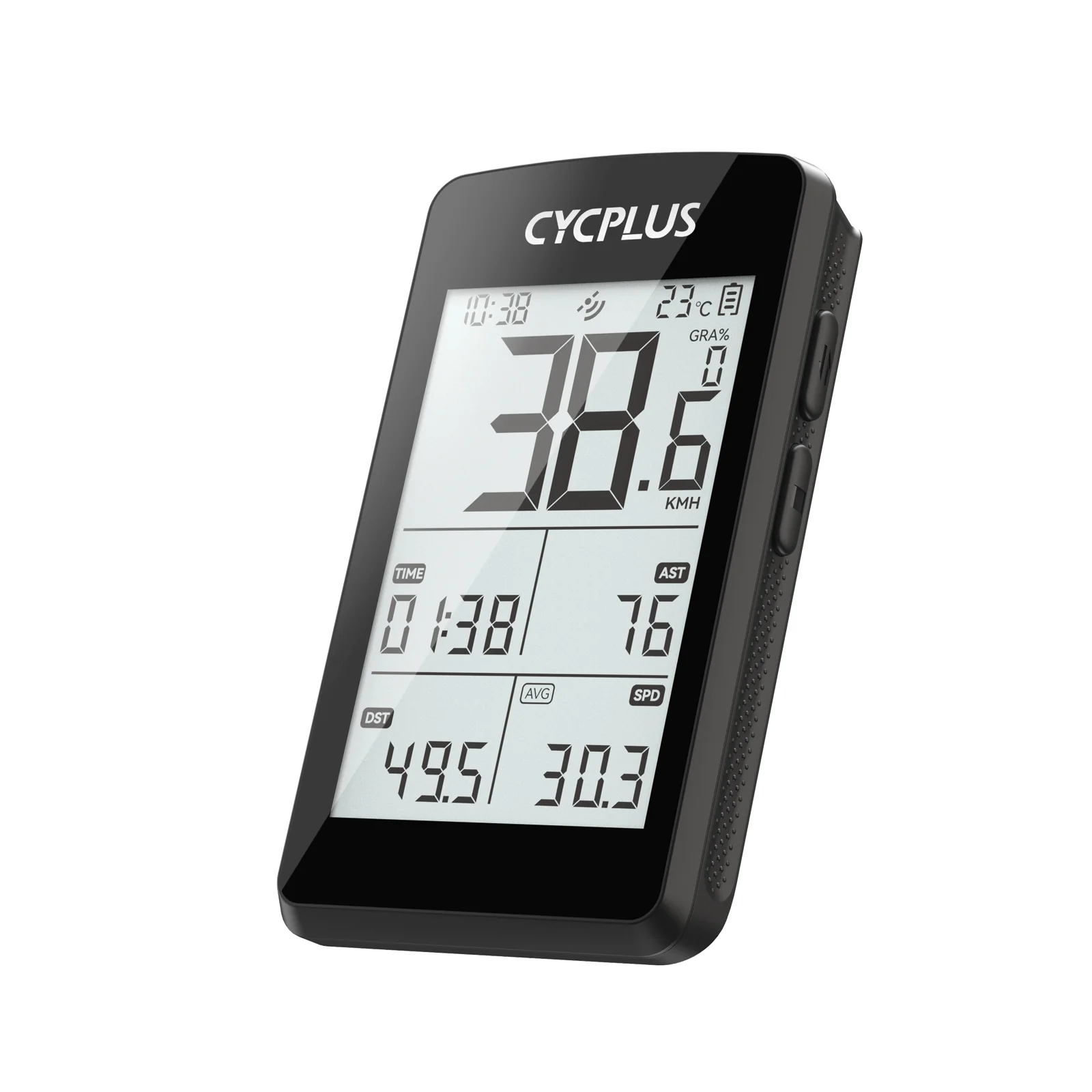
CYCPLUS M2 GPS Bike ComputerSuperb Display  The LCD display boasts a large 2.5-inch screen size and oversized digits, offering effortless readability while driving. With its logical arrangement of data placement, it further enhances the user experience.Seamless Installation  M2's included bike computer mount ensures easy and hassle-free installation. Experience a wealth of information including speed, distance, altitude, ascent, gradient, and total mileage, all without the need for additional sensors. With ANT+ and Bluetooth 5.0 support, M2 effortlessly pairs with a wide range of sensors. Unlock deeper insights into your cycling journey and push your limits with the M2.Accurate Positioning  M2 features a high-accuracy positioning module, supporting four major global satellite navigation systems: BeiDou, GPS, GLONASS, and Galileo. Enjoy rapid 30-second positioning, anytime and anywhere, allowing you to effortlessly track your journeys.BIKE WITHNEW FRIENDS!Datatransmission to STRAVA & TRAININGPEAKS via XOSS 1.Download XOSS from Google Play (Android) or App Store (IOS)and sign in with your email. 2.Click your avatar and then select CYCPLUS M23.Scan and select your bike computer (called M2)4.Connected. Then you can synchronize the data.

CYCPLUS M2 Manual

$15.00
Original: $49.99

-70%
M2 GPS Bike Computer

$49.99

$15.00

More Images

M2 GPS Bike Computer - Image 2
M2 GPS Bike Computer - Image 3
M2 GPS Bike Computer - Image 4
M2 GPS Bike Computer - Image 5
M2 GPS Bike Computer - Image 6
M2 GPS Bike Computer - Image 7
M2 GPS Bike Computer - Image 8
M2 GPS Bike Computer - Image 9
M2 GPS Bike Computer - Image 10
M2 GPS Bike Computer - Image 11

M2 GPS Bike Computer

CYCPLUS M2 GPS Bike ComputerSuperb Display  The LCD display boasts a large 2.5-inch screen size and oversized digits, offering effortless readability while driving. With its logical arrangement of data placement, it further enhances the user experience.Seamless Installation  M2's included bike computer mount ensures easy and hassle-free installation. Experience a wealth of information including speed, distance, altitude, ascent, gradient, and total mileage, all without the need for additional sensors. With ANT+ and Bluetooth 5.0 support, M2 effortlessly pairs with a wide range of sensors. Unlock deeper insights into your cycling journey and push your limits with the M2.Accurate Positioning  M2 features a high-accuracy positioning module, supporting four major global satellite navigation systems: BeiDou, GPS, GLONASS, and Galileo. Enjoy rapid 30-second positioning, anytime and anywhere, allowing you to effortlessly track your journeys.BIKE WITHNEW FRIENDS!Datatransmission to STRAVA & TRAININGPEAKS via XOSS 1.Download XOSS from Google Play (Android) or App Store (IOS)and sign in with your email. 2.Click your avatar and then select CYCPLUS M23.Scan and select your bike computer (called M2)4.Connected. Then you can synchronize the data.

CYCPLUS M2 Manual

Product Information

Shipping & Returns

Description

CYCPLUS M2 GPS Bike ComputerSuperb Display  The LCD display boasts a large 2.5-inch screen size and oversized digits, offering effortless readability while driving. With its logical arrangement of data placement, it further enhances the user experience.Seamless Installation  M2's included bike computer mount ensures easy and hassle-free installation. Experience a wealth of information including speed, distance, altitude, ascent, gradient, and total mileage, all without the need for additional sensors. With ANT+ and Bluetooth 5.0 support, M2 effortlessly pairs with a wide range of sensors. Unlock deeper insights into your cycling journey and push your limits with the M2.Accurate Positioning  M2 features a high-accuracy positioning module, supporting four major global satellite navigation systems: BeiDou, GPS, GLONASS, and Galileo. Enjoy rapid 30-second positioning, anytime and anywhere, allowing you to effortlessly track your journeys.BIKE WITHNEW FRIENDS!Datatransmission to STRAVA & TRAININGPEAKS via XOSS 1.Download XOSS from Google Play (Android) or App Store (IOS)and sign in with your email. 2.Click your avatar and then select CYCPLUS M23.Scan and select your bike computer (called M2)4.Connected. Then you can synchronize the data.

CYCPLUS M2 Manual